 Miunit
 documentation / Organize & collaborate
Teams
Teams is available in the Internal desktop build. Give a Planner a goal, review the work it assigns, and open the team’s delivery in Notes.
Set up the Team
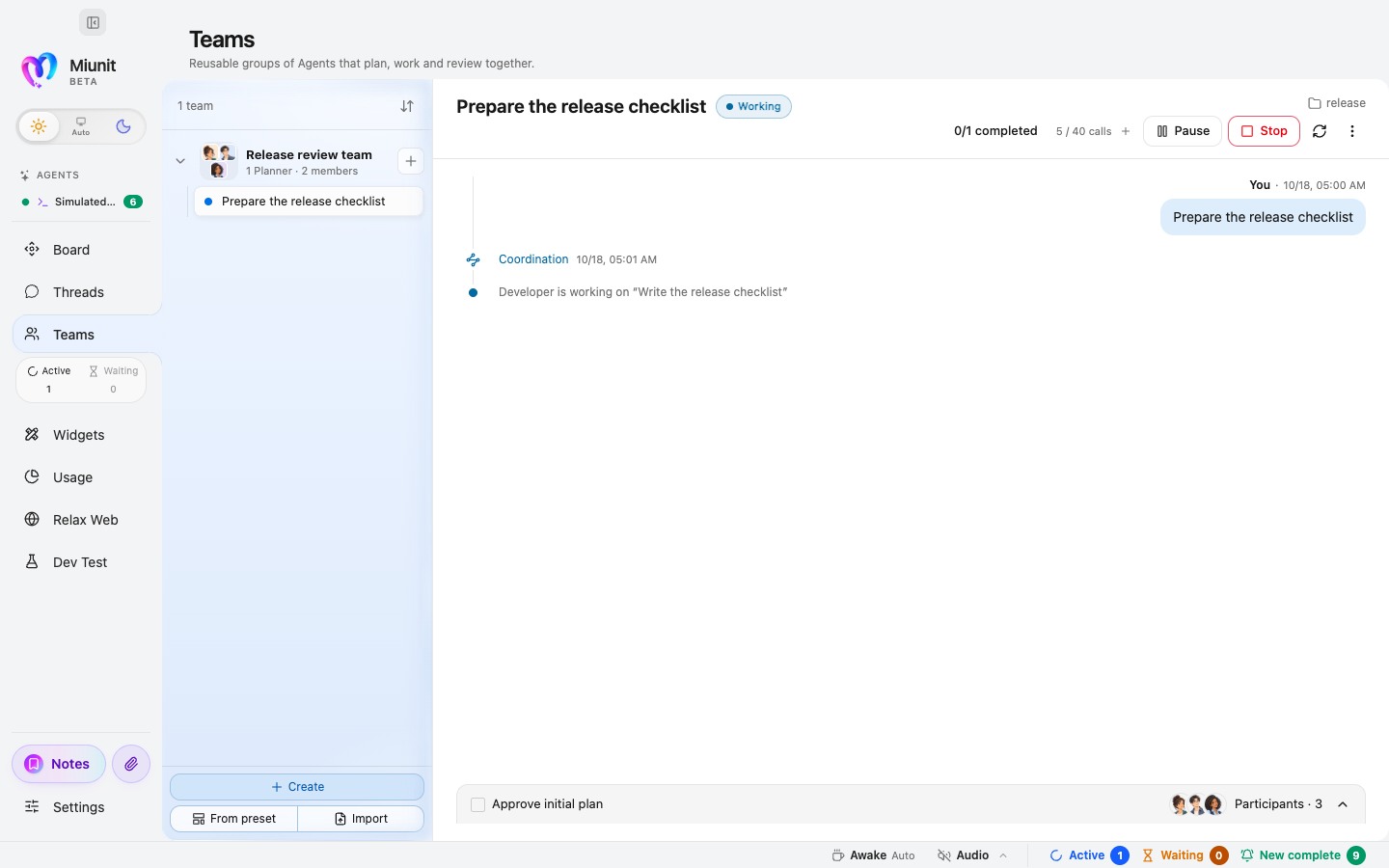
Open Teams and create a Team or start from a preset. Assign an Agent to the Planner and each member. Give each member a role, such as writing or reviewing. Use the discussion’s plan approval option if you want to review the plan before the Planner starts assigning work.
See how work moves through a Team
Start a discussion
Choose New discussion, confirm the project folder, and describe the result in Goal. The discussion shows assignments, questions, and deliveries in the conversation. Board shows one card for the discussion thread.
Approve work and answer questions
If plan approval is enabled, review the plan and approve it in the conversation. Reply there when the Planner asks a question. If a member’s Agent asks for permission, use the action shown on the request.
Open the delivery in Notes
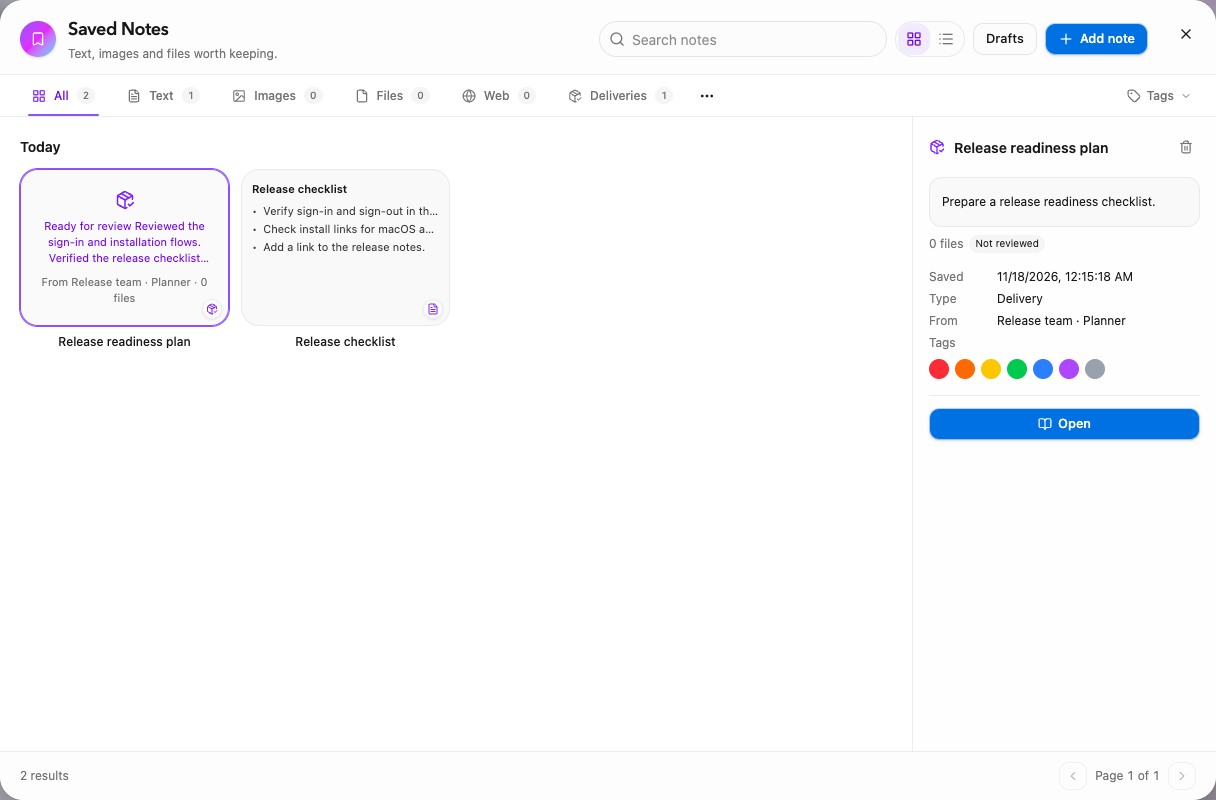
After completion, check Discussion outcome and open the Planner’s delivery report for its files, verification, and next steps. Use a next step to fill the message box, or write your own follow-up and send it. The new round appears below the earlier rounds in the same discussion thread. Open the saved delivery in Notes to revisit the report.