 Miunit
 documentation / Daily work
Board & Threads
Use Board to decide what needs attention and Threads to read or continue the conversation behind a task.
Read Board at a glance
- Active
- The Agent is working.
- Waiting
- The Agent may need an answer or approval. Check the card for who can respond and where.
- Completed recently
- Recent finished work. A blue edge marks an unread result. A pale amber edge marks work that is still running in the background.
- Stopped and Unverified
- Stopped collects failed tasks below completed work. Unverified appears below Waiting when Miunit cannot confirm the state. A To Do icon on a task card marks a turn started by To Do that is still running.
Follow a task across Board
- Active
- Waiting
- Active
- Completed
Managed and external threads
Managed means the thread was started through Miunit. External means Miunit observed a thread started elsewhere. The status and the available controls are separate. For example, an external request can show Waiting while it still needs to be handled in the original Agent app.
Some external questions can be answered in Miunit when the Agent and its connection support it. Follow the action shown on that request. For a separate follow-up, see Continue in a copy.
Answer and review
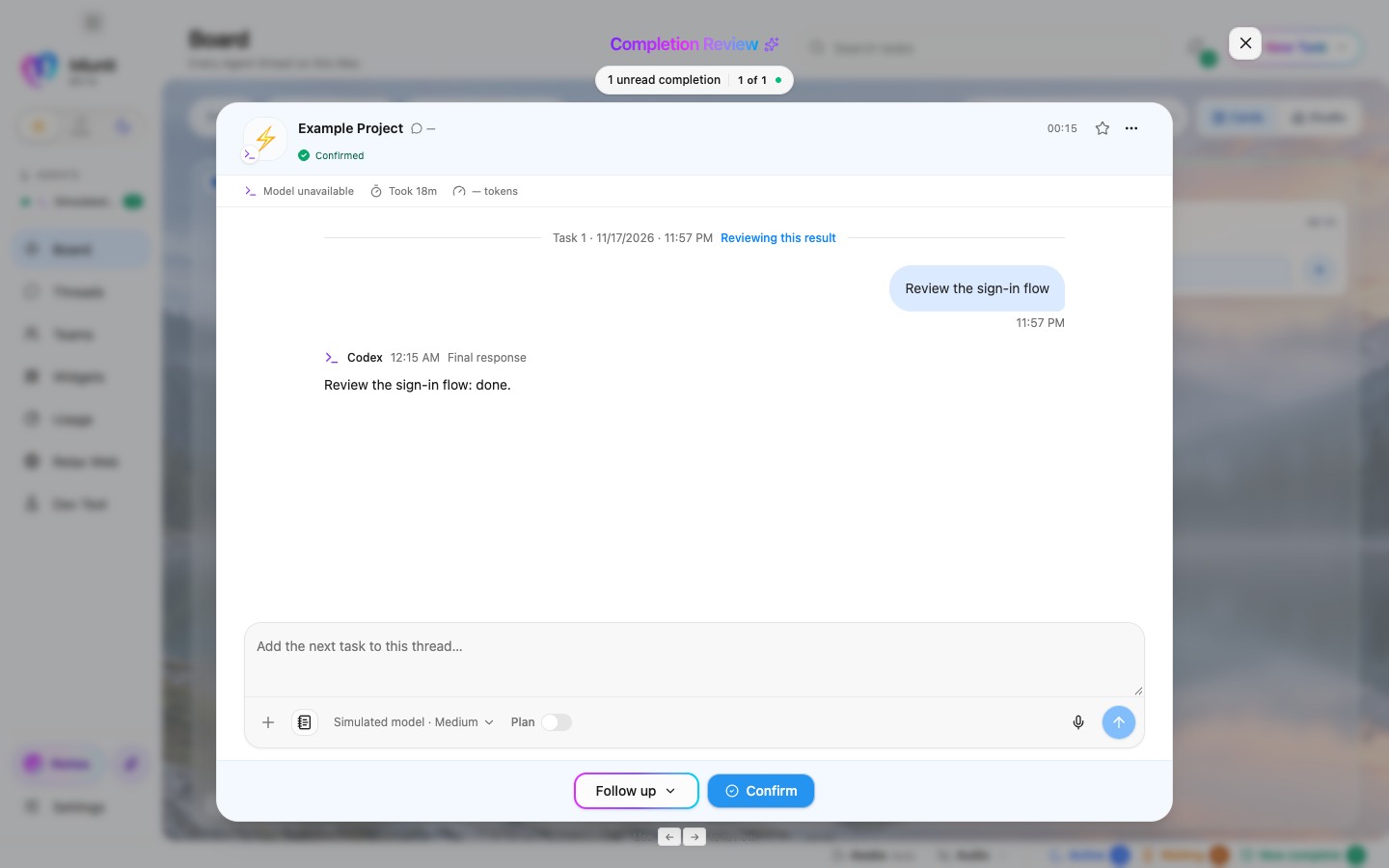
For an answerable request, choose an option and send the reply from the card or the review panel. Open a finished card to read the result in its details, or use the Board header’s review control to open Completion Review for unread results. You can rate satisfaction before choosing Confirm to mark the result reviewed.
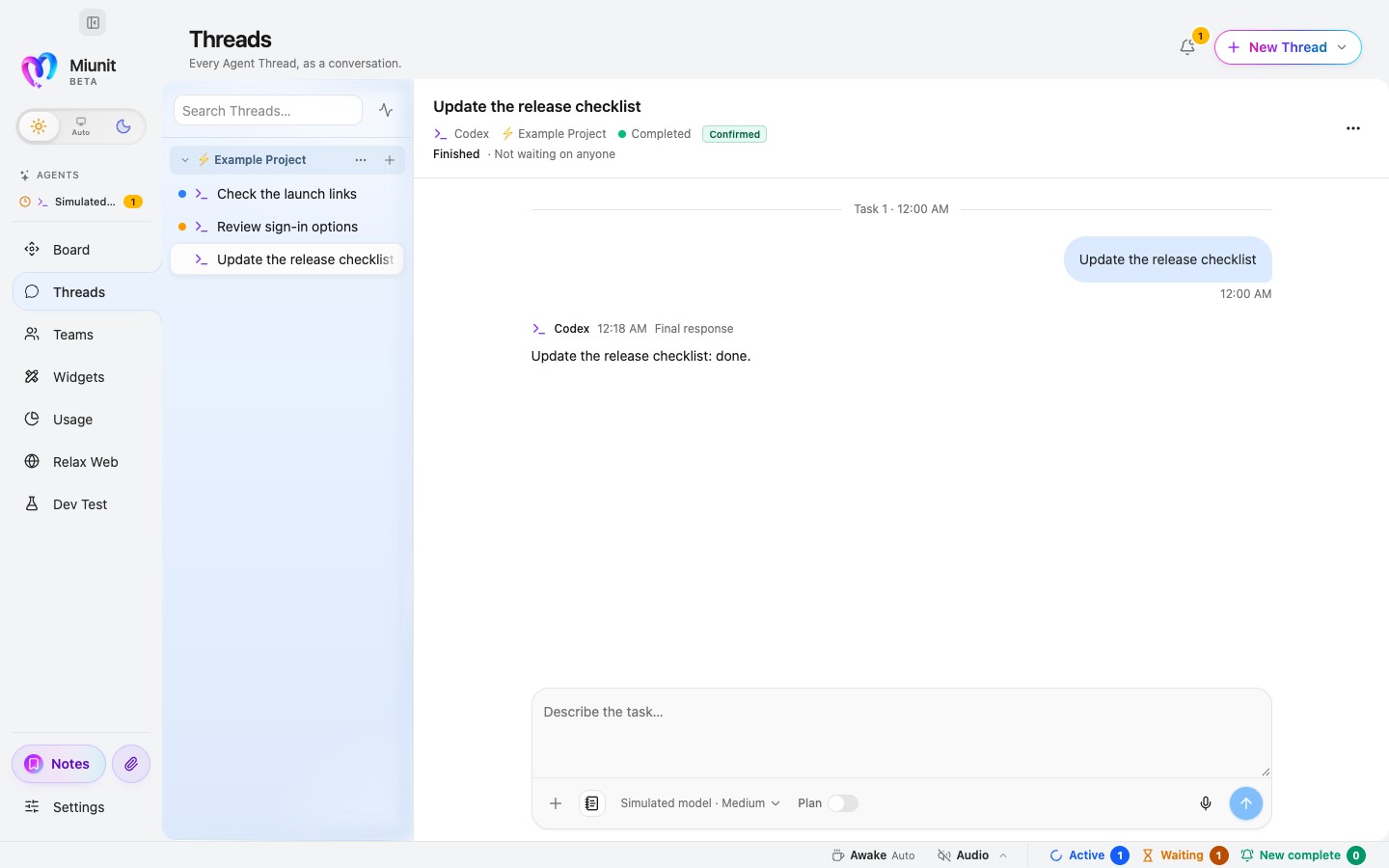
Open the conversation in Threads
Threads groups conversations by project. Use Activity view to browse by recent activity, or pin the conversations you want to keep handy. Select a thread to see its prompts, replies, and any recorded tools or files. The composer can start another task in the same managed thread when the session supports continuing. A pending request appears under Waiting for you.