 Miunit
Board & Threads
Run the work. Close a few tabs.
Get the state of your work in one glance, then open the conversation that actually needs you.
Try it in Miunit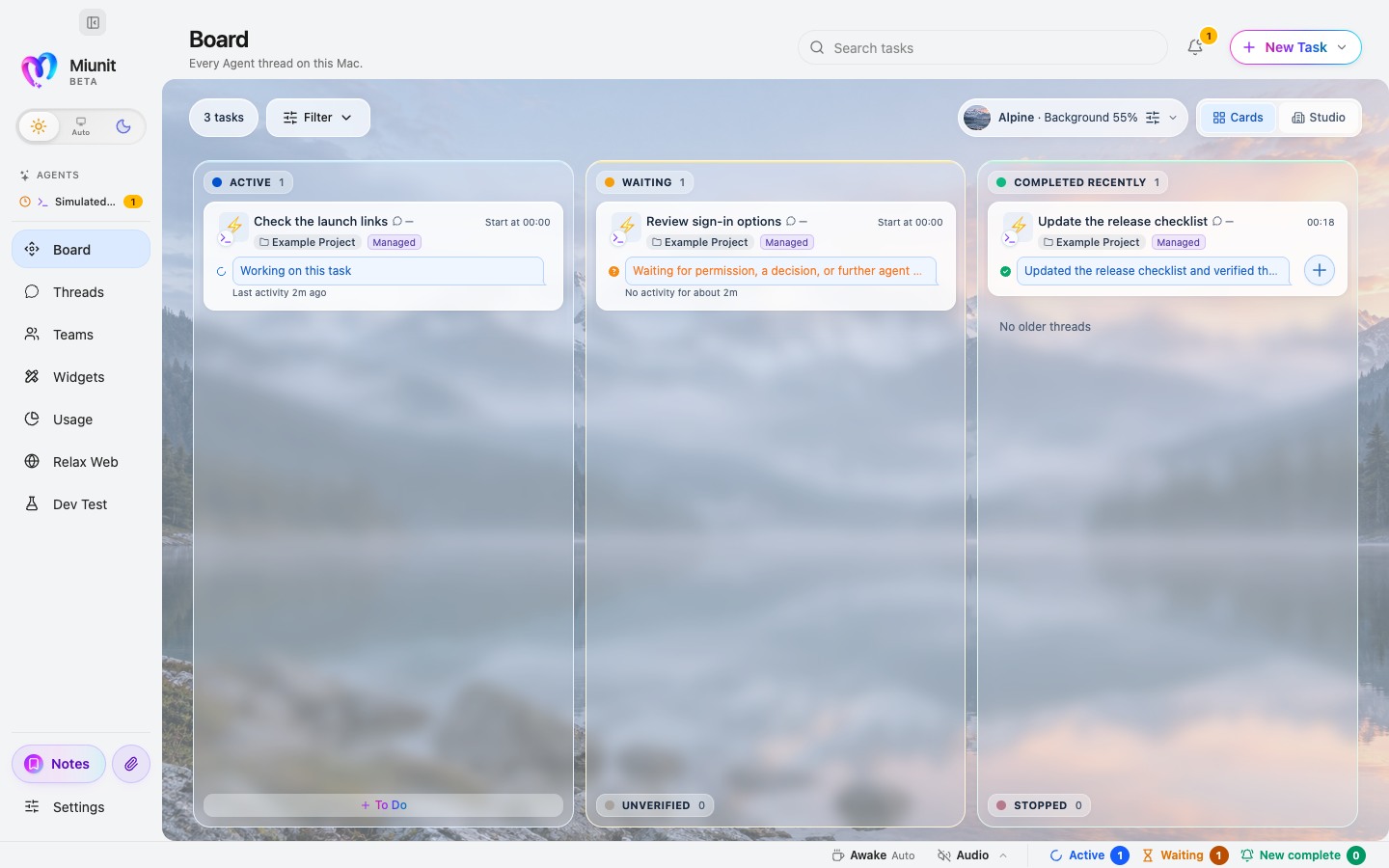
A working afternoon
Start with what needs you.
Say you’re preparing a small launch. One agent is checking links, one is fixing a test, and one wants to know whether the new sign-in flow should include passkeys. Only that last decision needs your attention right now.
Board puts those states next to each other. See what’s active, what’s waiting, and what finished recently. Open a card when you want the details, or switch to Threads when the full conversation will help. You can keep your place in the project without checking every terminal for the latest line.
Three cards. One decision.
-
Active
Check the launch links
Still working. Leave it to run.
-
Waiting
Review sign-in options
Passkeys or email links? Give the agent a direction.
-
Completed
Fix the failing test
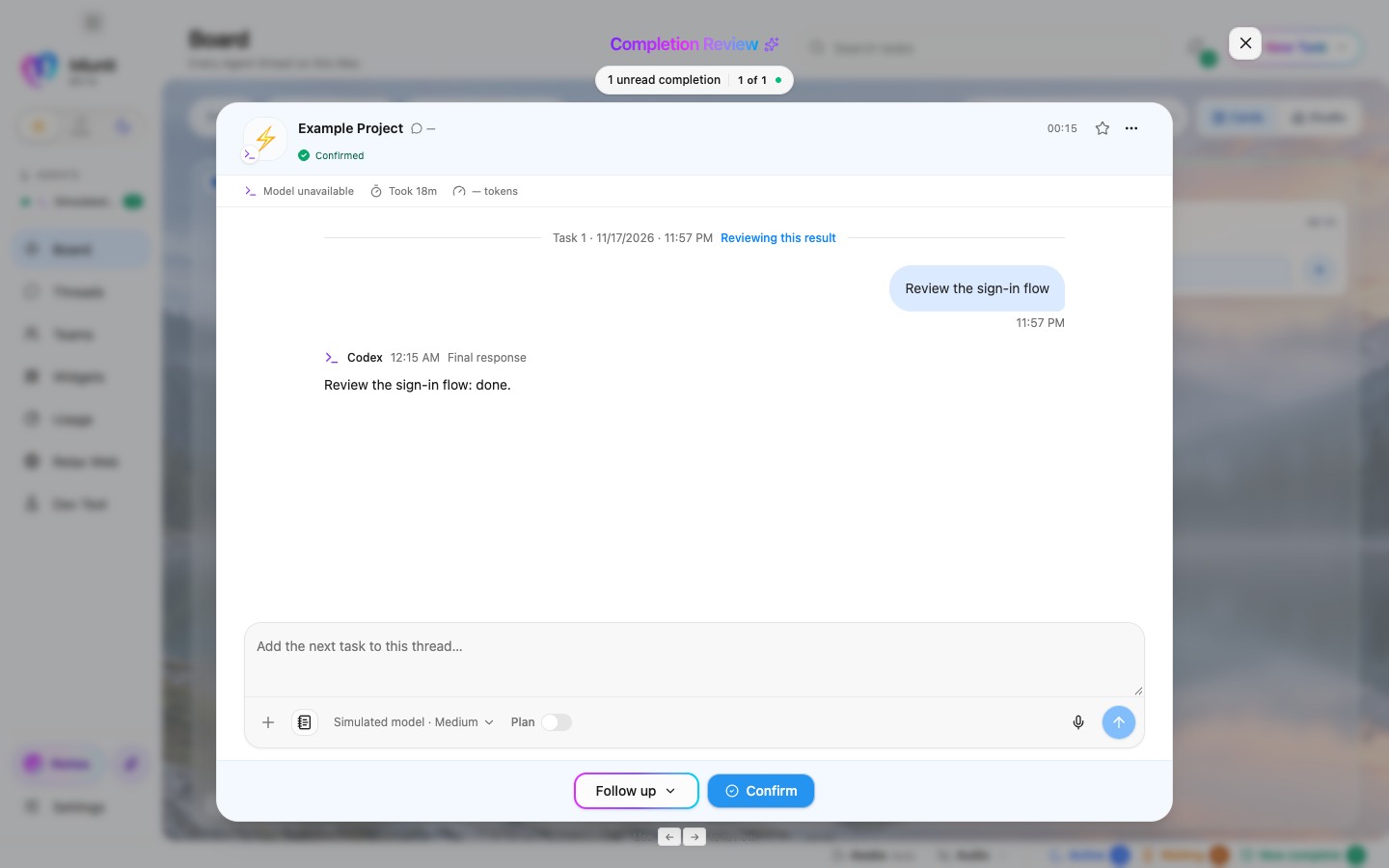
Open the result when you’re ready to review.
Your next move
Keep the work moving.
Answer supported requests from Board or Threads. On an external thread, check the request for where to respond. Depending on the connection, you may be able to reply in Miunit or need to open the original Agent app.
For work that should wait, put it in To Do. A follow-up check can start after its prerequisite succeeds, and the To Do icon on Board marks its running turn. Task sounds can let you know when something is ready while you’re working in another window.
A closer look
A calmer way to check in.
-

Triage by state, then by project.
At the start of a check-in, scan Waiting across your projects. A sign-in question may take ten seconds to answer and unblock another hour of work. A finished test report can wait until you are ready to review it. When you want to focus on the release alone, narrow the Board to that project. The thread is still there when you return to the wider view.
-

Open the right conversation.
A managed task can bring a supported request straight to you. For an observed external thread, the card can tell you where to continue. When a request is vague, open Threads and read what led up to it before answering. For example, “Use passkeys” is a different reply once you learn the test environment only has email sign-in configured.
-

Set up the next step before you move on.
If the check depends on a fix, queue it in To Do with that dependency. You can review what it is waiting for and adjust priorities when the release changes. Once the agent finishes, read the result and decide whether it is ready, needs a follow-up, or belongs in Notes for later.
Miunit Docs