 Miunit
Agent choice
Give each job to the agent you’d pick for it.
Use the tools you already trust, choose who runs the next task, and carry forward the context that matters.
Try it in Miunit
Choose per job
You can change tools halfway through a project.
Picture a release with a tricky build failure and a customer-facing changelog. You might want one agent to follow the stack trace and another to edit the explanation. They share a project and a deadline. They can still be two different jobs.
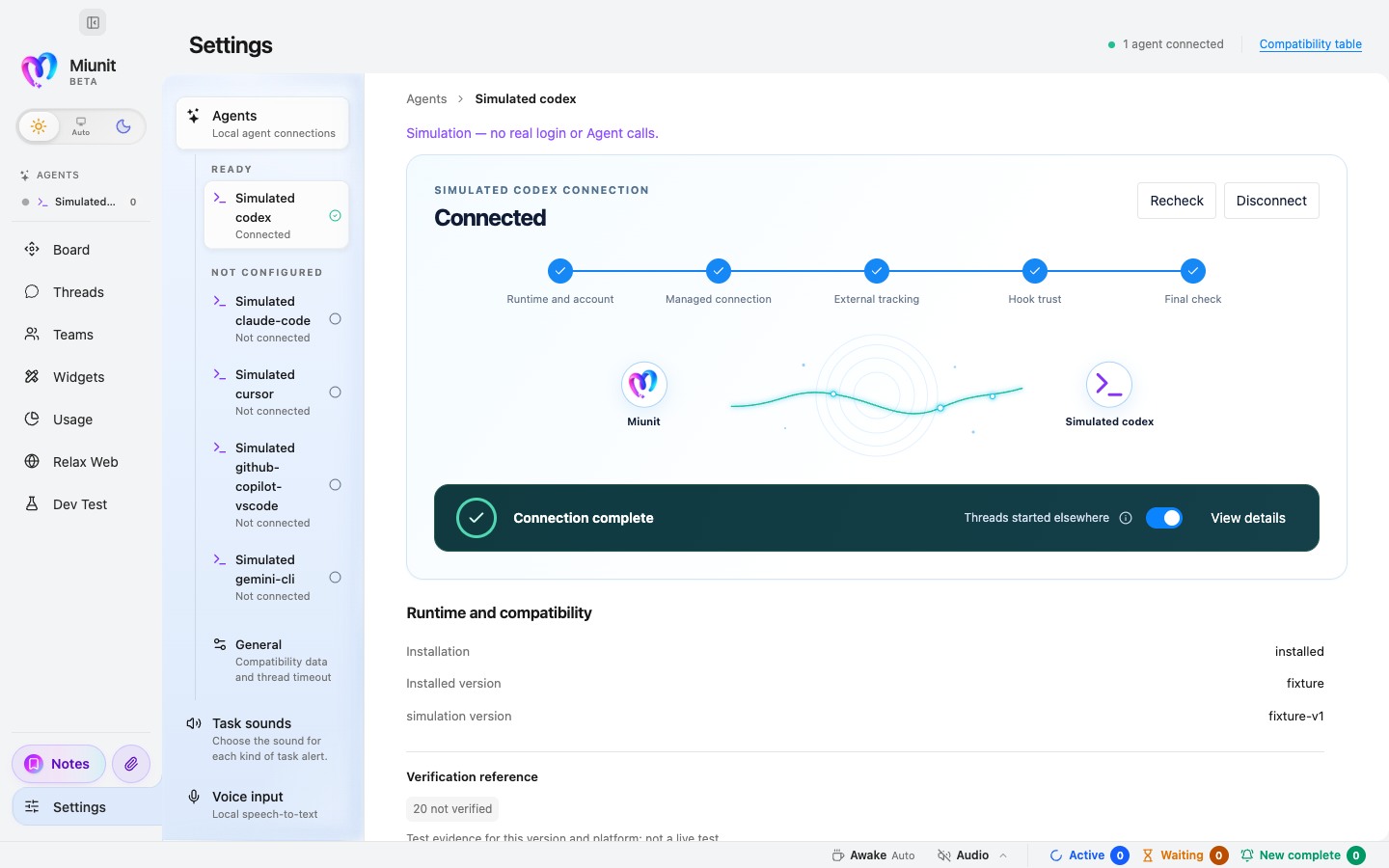
Connect the supported agents already installed on your computer. When you start a task, choose an available agent and the project folder you want it to work in. Board gives those separate jobs a common place to land, including supported threads you started in another app.
Keep the context you need
Pick up a conversation or start a clean one.
Continue the original thread when its history belongs with the follow-up. When the source supports it, continue in a copy to explore another direction while keeping the original conversation intact. Both threads still work with the same project folder.
When the next job belongs to a different agent, start it separately and bring along the relevant brief, results, or saved note. In the Internal desktop build, a Planner can hand work to specialists as part of one outcome. To do that, put them on a Team.
A useful habit
Hand off the brief, the evidence, and the open question.
A short handoff helps a second agent get to work quickly. For the release above, share the failed check, the affected file, and the one behaviour you still need someone to verify.
A handoff worth keeping
Give the next agent a clear starting point.
-

Choose the shape of the work.
Use a fresh task when the agent needs a clean brief. Continue the same thread when it needs to remember why a decision was made. If the provider supports a copy, you can carry the earlier conversation into a separate thread and explore a different approach there. Think about who needs the history and what they need to do with it before choosing.
-

Leave the next agent something to inspect.
For a build failure, hand over the failing command, its output, the path to the relevant file, and what a successful fix should look like. For the changelog, share the confirmed user-facing change and the audience. A short, specific handoff gives each agent the information that belongs to its task and keeps review grounded in the same evidence.
-

Keep both results easy to find.
Since the jobs share a project, you can look them up together on Board even if they used different agents. For work that needs repeated handoffs, save the brief in Notes or make the roles part of a reusable Team. Check which actions your installed agent supports when choosing how to start or continue a task.
Miunit Docs