 Miunit
Teams
Give one brief to a team of specialists.
Put a Planner, a builder, and a reviewer on the same outcome. Stay involved where a decision matters.
Try it in Miunit
A shared outcome
Give the release one owner and a few different eyes.
Teams is available in the Internal desktop build.
“Get the release notes ready for Friday” sounds like one task. It’s really several. Someone needs to find the meaningful changes, someone needs to write for customers, and someone needs to catch claims the diff doesn’t support.
In Miunit, you give a Planner the goal and set up the member roles ahead of time. The Planner can coordinate the assignments across supported agents. Give a writer and a reviewer different instructions, and choose an agent for each role based on what the job needs.
Example workflow
One goal, three roles.
Stay in the loop
Make the calls that belong to you.
Turn on initial plan approval to review the plan before work proceeds. When the Planner asks whether to mention a removed feature, answer in the room. If a member agent asks for permission, that decision still comes to you.
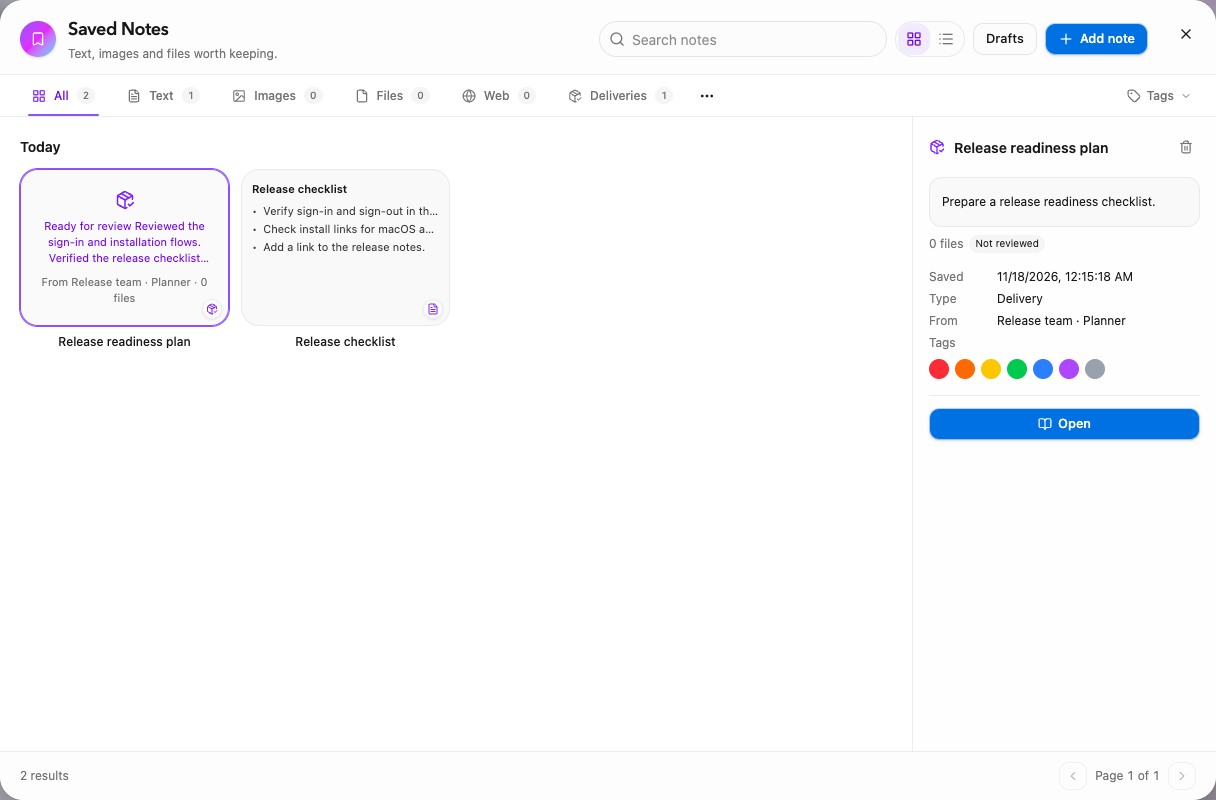
Review the discussion outcome and its files together. Once the delivery is saved to Notes, there’s a place to find it after the release conversation has moved on.
Inside a discussion
Give each specialist a brief they can own.
-

Make the outcome specific.
“Write release notes” leaves the Planner guessing. Try “Draft the public notes for version 3.1, check them against the changes, and flag anything we cannot verify.” The Planner has a useful outcome to organize around. The writer can focus on clarity while the reviewer checks claims against the project.
-

Use checkpoints where the work could change direction.
When initial plan approval is on, check the assignments and scope before approving. Reply to the Planner in the conversation. Open the work count in the discussion header to see assignments and files in Work & deliveries. If a member asks for agent permission, review that request yourself.
-

Close the loop on the delivery.
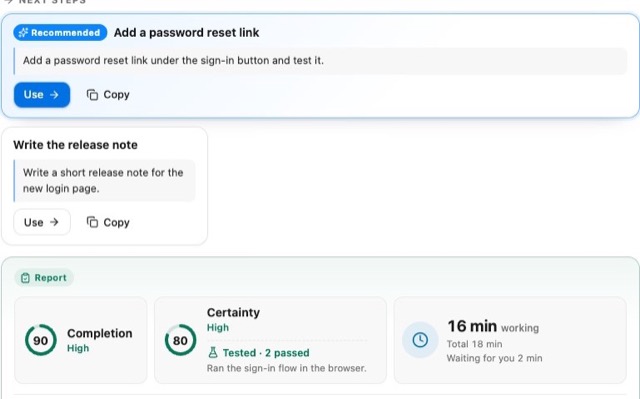
At the end, open the delivery report and inspect the files and verification. Choose a suggested step or send your own follow-up to start the next round in that discussion. Open the saved delivery in Notes when you need the report again.
Miunit Docs