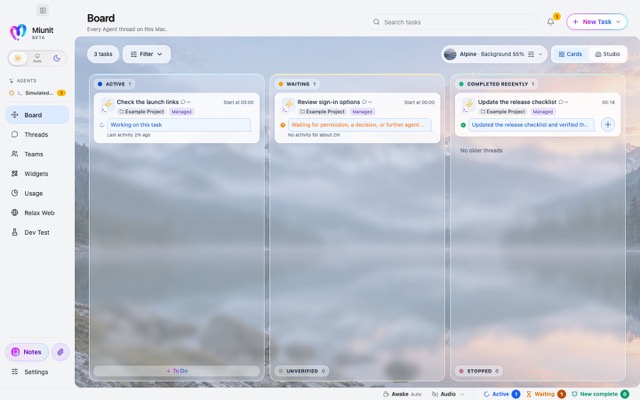
 Miunit
Usage
See what the work uses.
Look at token activity, reported web and tool calls, and local storage from the same workspace.
Try it in Miunit
After a busy week
See where the activity came from.
You ran a few long reviews this week and the workspace feels busier than usual. The useful questions are pretty ordinary. Which project had the heaviest conversations? Which web tools did the agents report using? What is taking up disk space?
Usage brings those views into Miunit. Each one shows what was measured, so you can compare the work you can see and follow up where the records are incomplete.
Three views of the same week.
-
Token Usage
Find the long conversations.
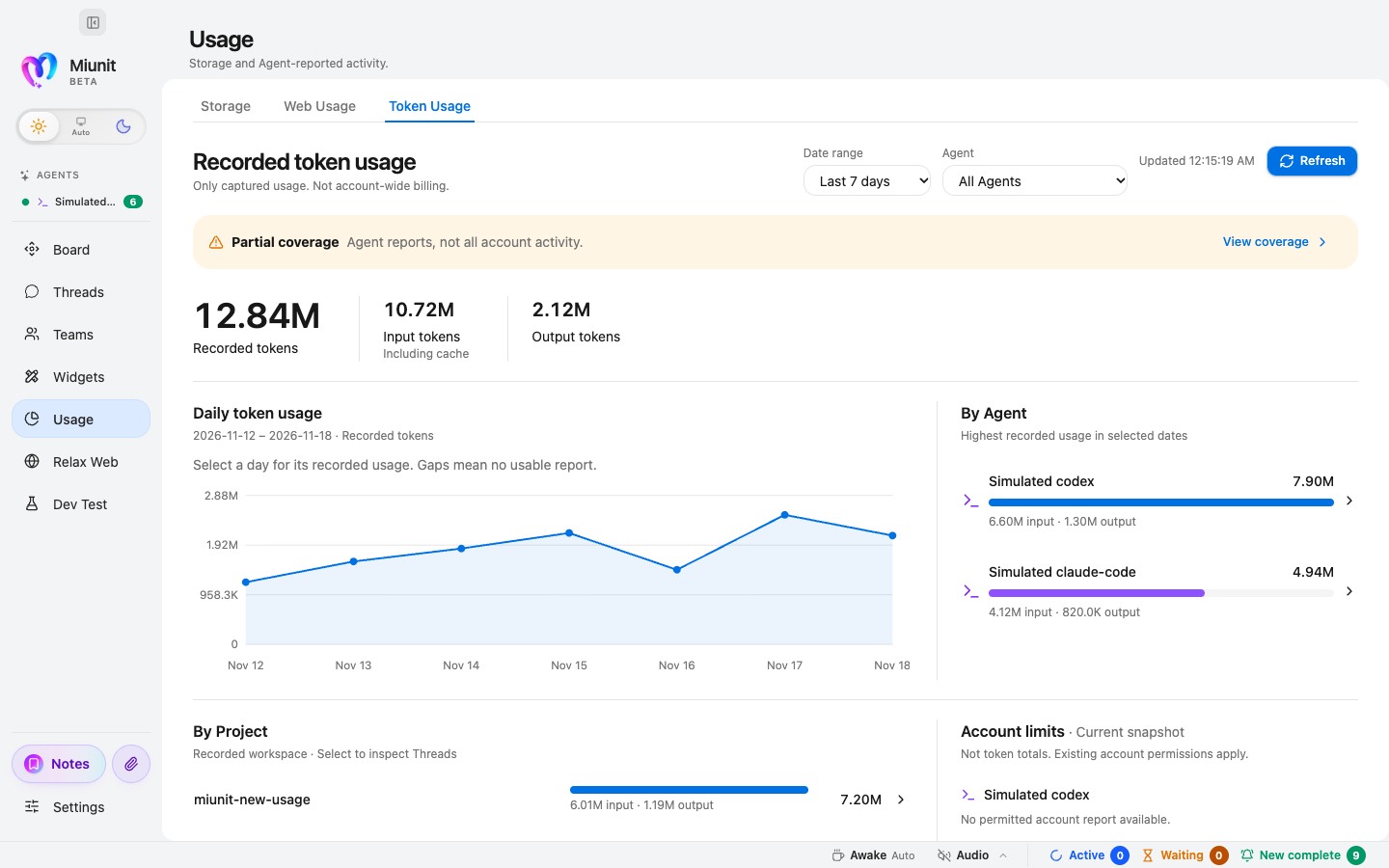
Explore recorded input and output by date, agent, project, or turn. Account quotas and costs are separate.
-
Web Usage
Follow reported activity.
Inspect recorded domains and filter for MCP calls. Some downstream requests may be outside the view.
-
Storage
See what’s on disk.
Inspect measured sizes by category for Miunit and supported agents. Storage is a read-only inventory.
One practical question
Was the whole project heavy, or was it one task?
Filter to that project and look at the recorded turns. If one long review explains most of the change, you have a conversation to inspect before you change how the whole team works.
Check the coverage notes before comparing periods. Missing records can change a total, and a token count alone won’t tell you what the provider charged.
A practical review
Follow the signal before changing your workflow.
-

Narrow a token spike to a conversation.
Set the date range to the week you’re looking at. Compare the recorded activity by project and agent, then look at the turns inside the busiest result. A lengthy review and repeated attempts at one small task can make similar totals. They lead to different follow-up questions. Check the coverage notices before drawing a conclusion.
-

Look up the kind of activity that matters.
When you want to know what a research agent reported using, look at Web Usage and the recorded domains or MCP calls. Storage answers a different question. Compare the measured file categories when the machine is short on space, and look for changes in scan coverage before you compare two snapshots.
-

Choose a next step from what you find.
If a particular conversation kept asking for the same context, improve the brief or save a Note for the next attempt. If the question is account cost or quota, check the agent provider’s own numbers. The workspace counts can help you find the work to inspect, while the provider is the place to confirm charges.
Miunit Docs